
All writings
Field notes from the support inbox: Gravity Forms quirks, plugin conflicts that taught me something, the soft skill of writing answers customers actually act on, and small product lessons learned the slow way.
Episode 9 – WordPress Plugin Development with WooCommerce
Finishing the plugin Three jobs left. Open your plugin to other developers. Make it translatable. Write the readme. Part 1. Filters Until now you…
Read the noteEpisode 8 – WordPress Plugin Development with WooCommerce
The sales counter Now the badge says Hot Deal · 14 sold this week. This episode has the two things that separate…
Episode 7 – WordPress Plugin Development with WooCommerce
The cart notice Now the second feature. Above the cart we print: Spend $12.00 more and get FREE shipping! Step 1. Make…
Episode 6 – WordPress Plugin Development with WooCommerce
CSS and JS The badge is plain text. Now we make it red, and we learn how assets reach the browser. Step…
Episode 5 – WordPress Plugin Development with WooCommerce
The badge Now we leave the admin. We print a badge on products that are on sale. Step 1. Make the file…
Episode 4 – WordPress Plugin Development with WooCommerce
The save Now we catch the envelope. Four checks, then we write to the lockers. Step 1. Put a nonce in the…
Episode 3 – WordPress Plugin Development with WooCommerce
The form Now we put controls on the page. Four of them: At the end of this episode the form looks finished,…
Episode 2 – WordPress Plugin Development with WooCommerce
The admin screen Now we build the settings screen. At the end of this episode you get a real page in the…
Episode 1 – WordPress Plugin Development with WooCommerce
The shell Step 1. Make the folder and the file Type this in your terminal: WordPress looks for plugins in one place…
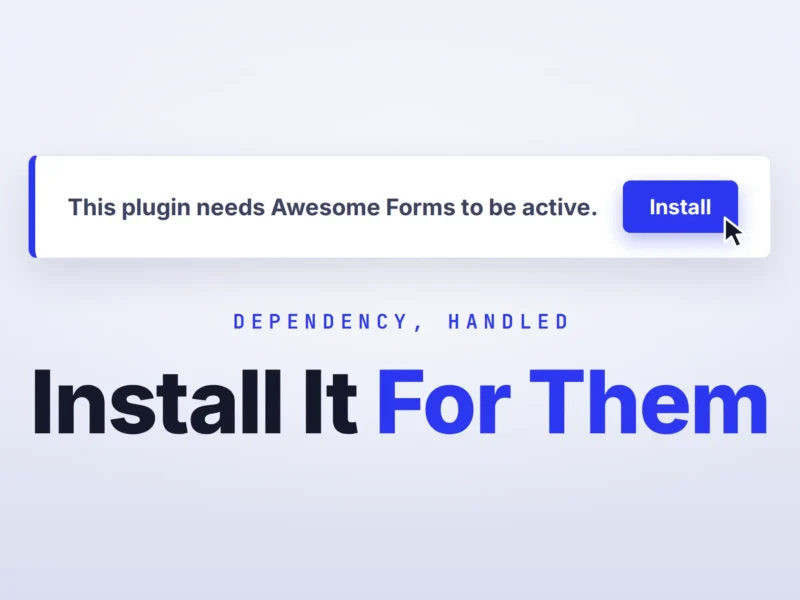
Turn your “required plugin” notice into a one-click install
You shipped a plugin that needs another plugin to work. Maybe it’s a Pro add-on that sits on top of your free…